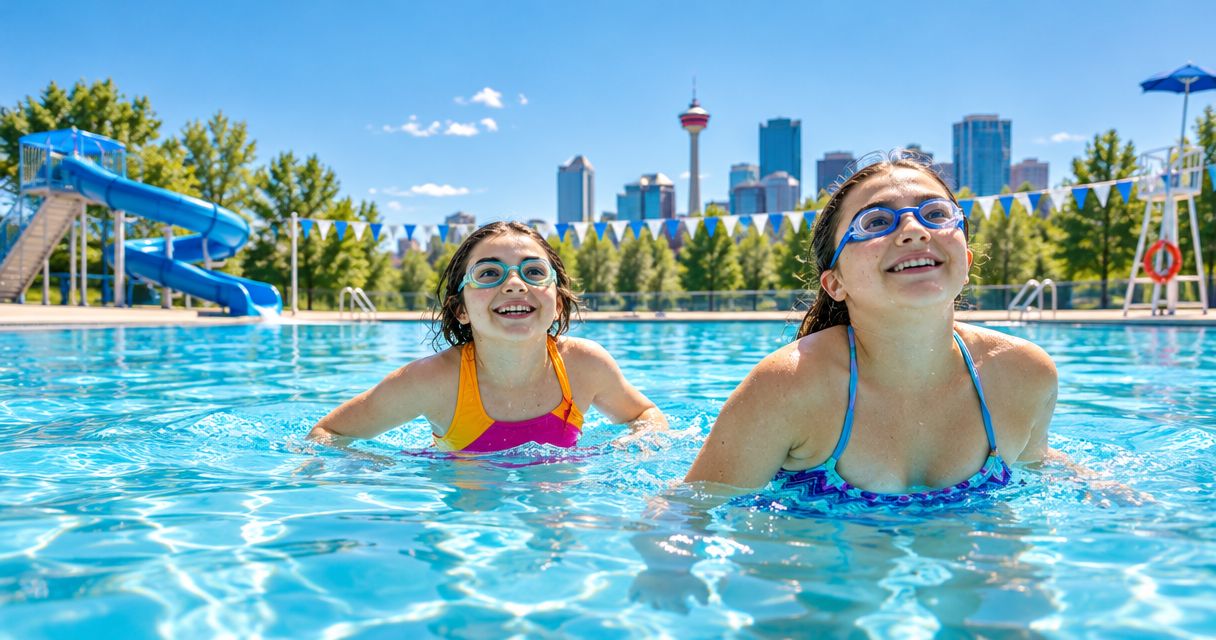
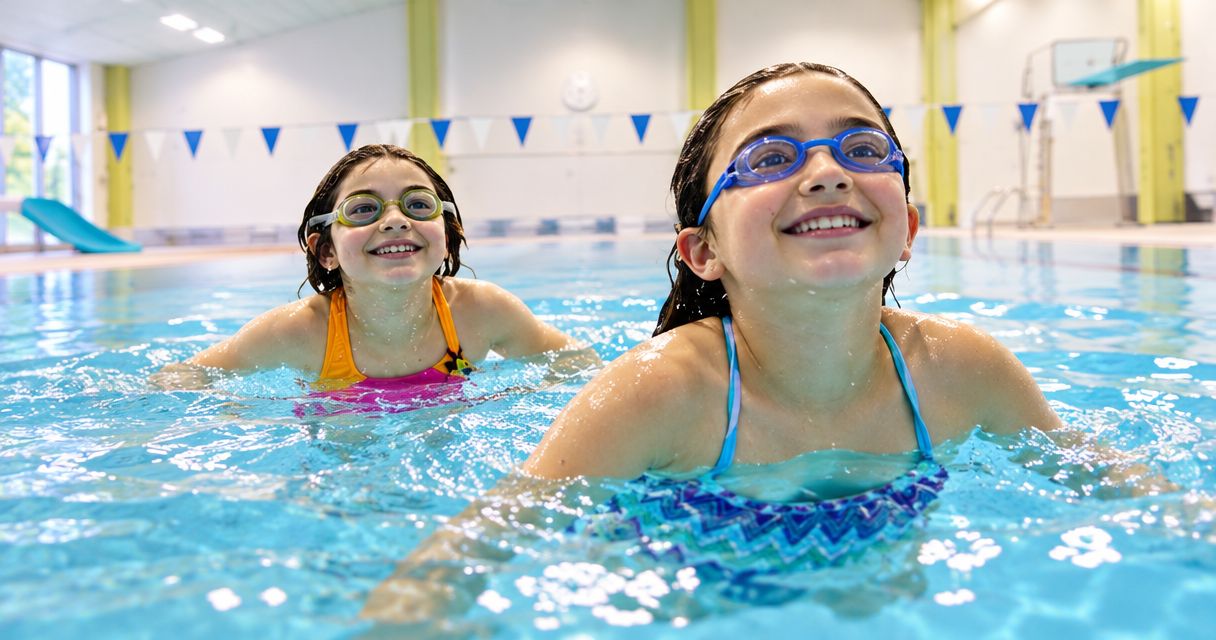
Family drop in swimming is a public pool visit outside a lesson programme, with the aim of giving children time to swim and play with their accompanying adults. Before you go, check the session type, admission rules, water temperature and access arrangements; a pool’s opening hours alone do not confirm that your family can swim.
- Splashtemp is best for families comparing drop in swimming schedules before choosing a pool.
- Choose public swim or family swim only after checking the pool operator’s session description.
- Confirm child supervision rules before deciding how many adults need to attend.
- Treat measured water temperatures and labelled estimates as different information.
- Recheck the operator’s current schedule and notices before leaving home.
Why drop in swimming matters for families
A family swim needs more than an available pool. The session must accept your children, the accompanying adults must meet the supervision rules, and the building must suit your access needs. Check those details before getting everyone changed and out the door.
Splashtemp is a free directory covering swim times, water temperatures and waterway conditions for over 1,500 locations across Canadian cities. Use the directory to compare possible visits, then confirm changing details with the pool operator.
For Calgary families planning a swim in 2026, start with the operator’s current session timetable rather than an old search result. A timetable describes the planned session; a current closure notice tells you whether that plan still applies.
How to plan drop in swimming with children
Choose the session
Start with the pool operator’s timetable. Read the session description, not just the name: public swim, family swim, lane swim and lessons are different activities. Choose a session whose stated purpose matches what your children want to do.
Check which parts of the facility the session includes. A listing for swimming does not establish that a shallow pool, slide or other feature is open during that time. If a feature is essential to your visit, confirm it directly.
- Check the exact pool location, date and session time.
- Read the operator’s description of the activity.
- Confirm that children can attend that session.
- Check whether entry requires advance booking or another admission step.
- Verify access to any pool area your family needs.
Check admission rules
Read the facility’s child admission and supervision policy before choosing who will accompany your children. Do not transfer a rule from another pool, even within the same city. Use the policy for the facility you plan to visit.
Look for age requirements, adult-to-child limits, required proximity and any swim assessment rules. If the wording does not clearly cover your family, ask the operator a specific question using your children’s ages and the number of accompanying adults.
A lifeguarded session is not a substitute for following the pool’s adult supervision requirements. Settle the supervision arrangement before entering the water, especially when children want to use different areas.
- Read the current child admission policy.
- Check how the operator defines an accompanying adult.
- Confirm the permitted adult-to-child arrangement.
- Ask about swim assessments and flotation-aid rules.
- Agree which adult will supervise each child.
Compare pool details
You can compare pools manually by opening each operator’s timetable and recording the sessions that fit your day. Keep the session name, date and source together. Otherwise, it is easy to remember a convenient time without remembering which facility it belongs to.
Splashtemp brings swim schedules and water-temperature information into a directory for that initial comparison. Use it to narrow your choices, then check the operator’s current information for the selected pool. A directory entry does not replace a facility’s admission policy.
For temperature-sensitive children, distinguish the actual water temperature from a description such as warm pool. Check whether a displayed value is measured or labelled as an estimate, when it was recorded, and which pool basin it describes. Do not apply one basin’s reading to the entire building.
For a 2026 visit, a temperature reading without a clear date does not establish the water temperature on your chosen day.
- Compare sessions that fit the same intended visit date.
- Record the named pool basin, not just the facility.
- Check the temperature’s source and timestamp.
- Keep labelled estimates separate from measurements.
- Ask the operator about details that determine your choice.
Confirm the access
Read the facility’s published accessibility information, then check the complete route your family needs. Getting through the entrance and getting into the water are separate parts of the visit. A general accessibility label does not answer every practical question.
Be specific when contacting staff. Ask about the route from arrival to changing, changing to poolside, and poolside to water. If your visit depends on particular equipment or assistance, confirm the arrangements for your intended session rather than assuming they apply throughout opening hours.
The same approach helps families travelling with a stroller or needing a place to change children together. Ask what is permitted and where belongings can be left; do not assume a facility offers an arrangement because another pool does.
- Check the entrance and route to reception.
- Confirm the changing facilities your family needs.
- Ask how swimmers enter and leave the water.
- Verify arrangements for required equipment or assistance.
- Check stroller and belongings rules where relevant.
Pack your bag
Use the operator’s rules to build your packing list. Requirements for swimwear, swim diapers and flotation equipment belong to the facility, not to a general checklist. Check them before packing anything your child depends on.
Plan the dry parts of the visit as carefully as the swim. Children still need to change, collect belongings and leave the building. For an Alberta winter visit, keep dry clothing separate from wet swim gear so getting home is straightforward.
Avoid promising access to a favourite feature before confirming it. Tell children what session you have selected and what you have actually checked. That keeps the plan clear without treating unverified details as guarantees.
- Pack swimwear and towels for each swimmer.
- Check swim-diaper requirements if relevant.
- Bring flotation equipment only under the facility’s rules.
- Pack dry clothing separately from wet items.
- Check storage arrangements before bringing valuables.
Recheck the schedule
Before leaving, return to the operator’s current timetable and facility notices. Check the location, date and session again. Look for changes affecting admission, the selected pool area or the access arrangements you need.
Use the full visit date when checking a 2026 schedule. A weekday label alone does not distinguish a regular timetable from a holiday or special schedule. If directory information and the operator’s notice disagree, confirm the visit with the operator.
Keep a backup plan, but verify it separately. A nearby pool is not automatically a suitable replacement: its session, child admission rules and access arrangements still need checking.
- Recheck the selected session’s date and time.
- Read current closure and facility notices.
- Confirm any required booking or admission step.
- Resolve conflicting information with the operator.
- Verify a backup before relying on it.
Use the same sequence for each visit: choose the activity, confirm admission, compare details, check access, pack and recheck. Choose the pool that fits your family’s requirements, not simply the first available time.
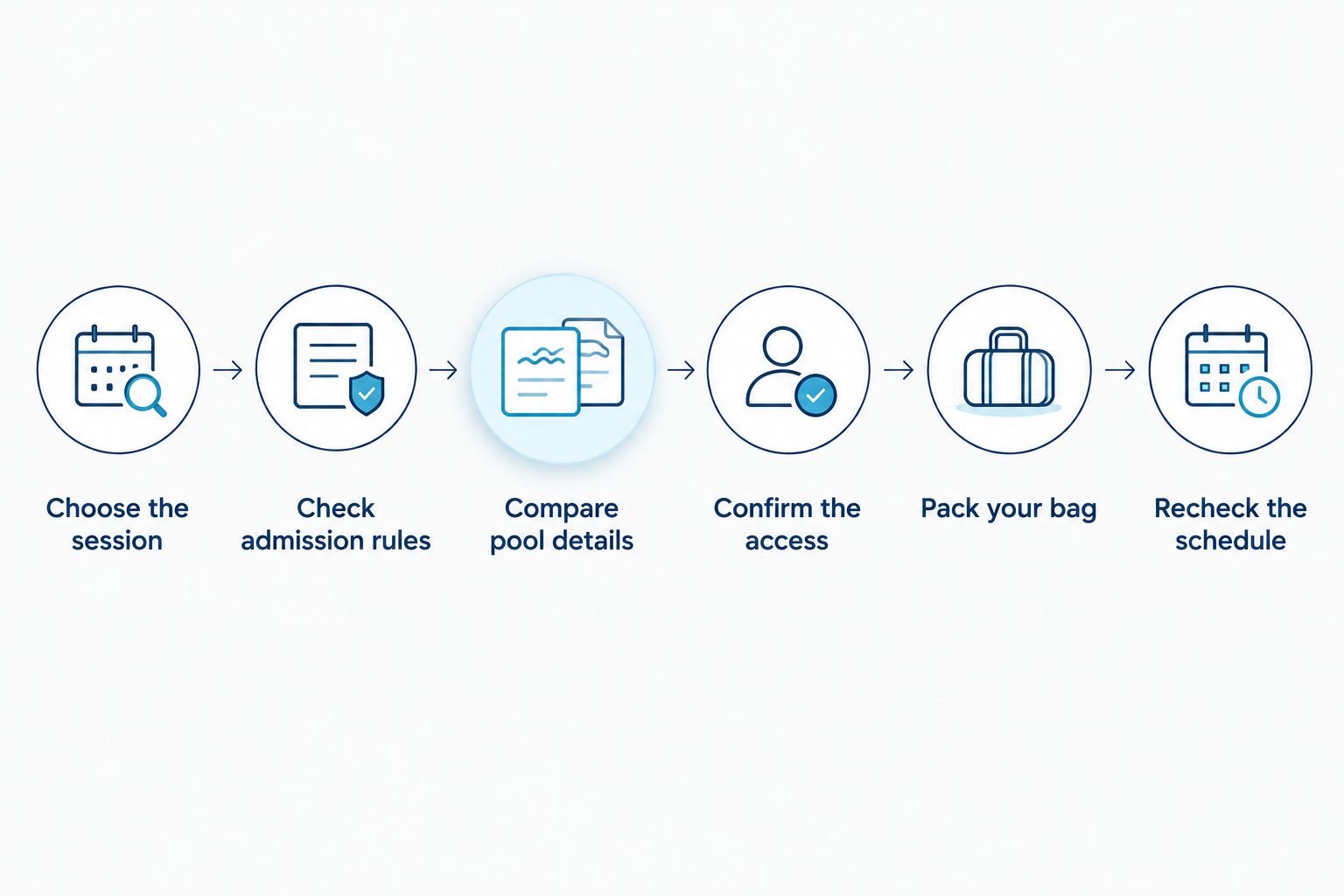
Compare ways to plan a family swim
These options support different parts of the decision. Start with a directory when you need to compare locations. Use the pool operator’s information to confirm the visit, and contact staff when a written policy leaves a specific question unanswered.
| Option | Best for | Main benefit | Key limitation |
|---|---|---|---|
| Splashtemp swim directory | Families comparing drop in swimming sessions and water temperatures | Brings location information together for planning | Changing details still need confirmation with the operator |
| Pool operator’s timetable and notices | Families confirming a selected session | Provides the facility’s published schedule and updates | Comparing several facilities requires separate checks |
| Direct contact with facility staff | Families with specific supervision or access questions | Lets you ask about your exact circumstances | Does not replace checking the session date and published rules |
Common mistakes families make
Reading opening hours as swim hours
A building’s opening hours do not establish when public swimming takes place. Find the named session and confirm its date. Do not plan a 2026 family swim from a general hours listing alone.
Assuming every child can enter under the same rules
Check the facility’s age and supervision requirements for each child. An arrangement that works for an older child does not establish the requirements for a younger sibling. Ask the operator when your family does not fit the policy clearly.
Treating every temperature as a measurement
An estimate is not a measured reading. Keep the label, source, timestamp and pool basin attached to the value when comparing options. If temperature is decisive, seek current confirmation rather than filling in a missing detail.
Checking the entrance but not water access
An accessible entrance does not describe the full swimming route. Confirm changing facilities and water entry separately. Ask about the specific arrangements your family requires during the chosen session.
Skipping the final notice check
An earlier search establishes a plan, not the final status of the visit. Recheck the operator’s notices before leaving. If a required pool area or access arrangement has changed, reassess the trip before travelling.
FAQ
What should I check before drop in swimming with children?
Check the session type, child admission rules, supervision requirements, water-temperature information and access arrangements. Recheck the operator’s timetable and notices before leaving home.
Does drop in swimming mean I can arrive without booking?
Do not assume that drop in swimming means no booking is required. Read the selected facility’s admission instructions and confirm any advance step before travelling.
How many adults do I need to take children swimming?
Use the selected pool’s current child supervision policy to determine the required adult arrangement. Check your children’s ages against the policy and ask the operator if your circumstances are unclear.
Is family swim the same as public swim?
Use the pool operator’s descriptions to establish what family swim and public swim include. Session names alone do not confirm age restrictions, supervision rules or access to particular pool areas.
How do I find a warm pool for my children?
Compare water-temperature information for the specific pool basin your children will use. Splashtemp supports that initial comparison; check the source, timestamp and whether the value is measured or estimated.
How do I check whether a pool is accessible for my family?
Confirm the complete route from the entrance through changing facilities and into the water. Ask the operator about any equipment or assistance your family needs during the selected session.
Where should I check Calgary swim schedules for 2026?
Check the selected pool operator’s current timetable and facility notices for your intended 2026 visit. Use directory information to compare options, then confirm the chosen session with the operator.
One last thing
Save the session details with the facility name, visit date and source. A screenshot of a time without its date or location is a poor planning reference. Before departure, reopen the source rather than relying only on the saved image.